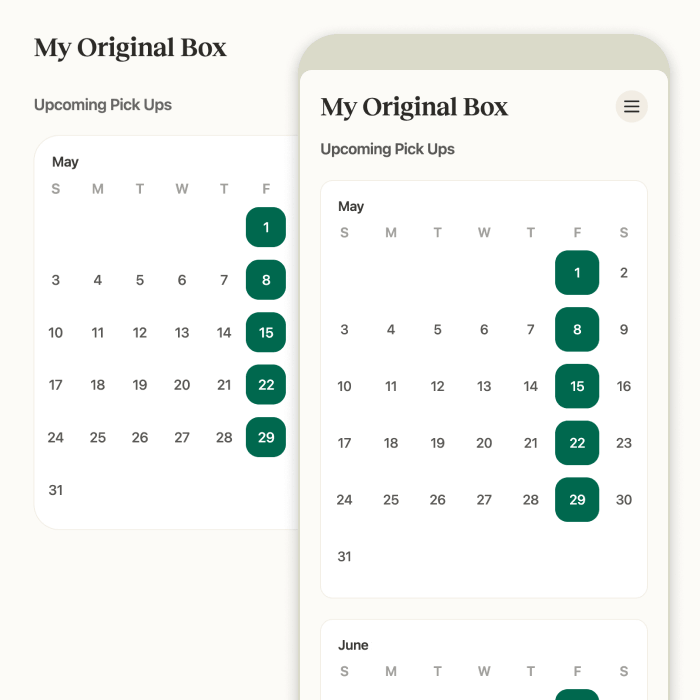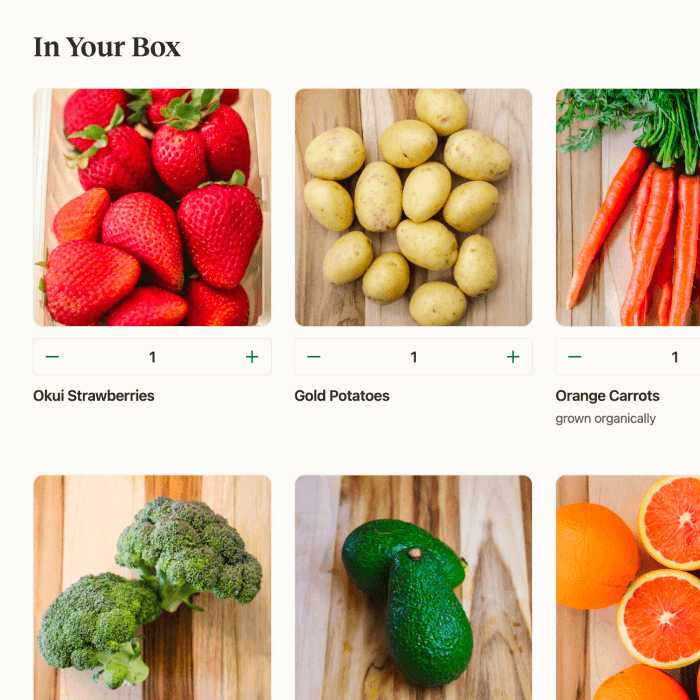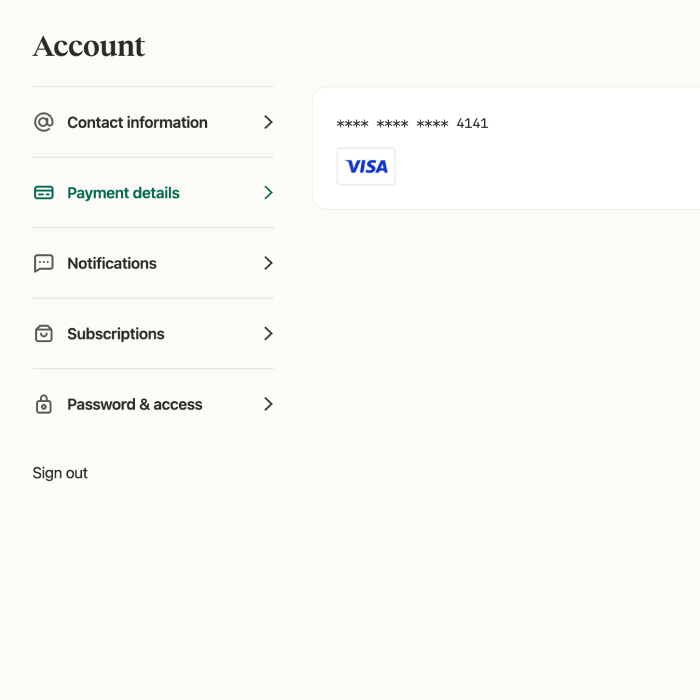



-
Login to your account.
Look for the “My Account” link in the upper left corner or within the mobile menu.
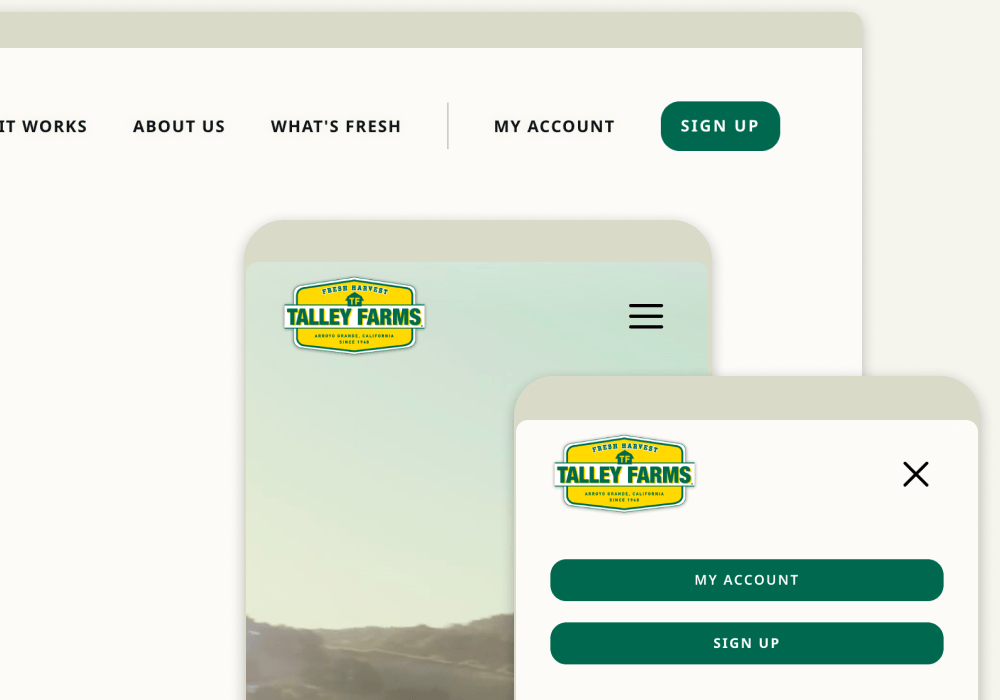
-
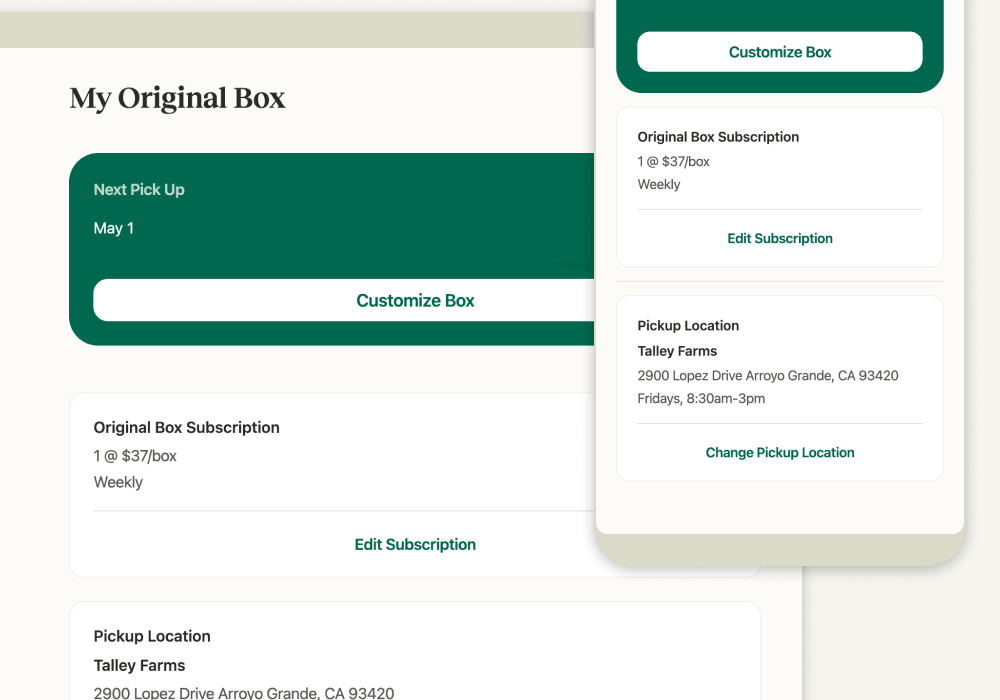
From the main Subscription view, click or tap on “Edit Subscription”.
-
Make changes to your subscription by stepping through the options, and then click or tap on “Save”.