


-
Login to your account.
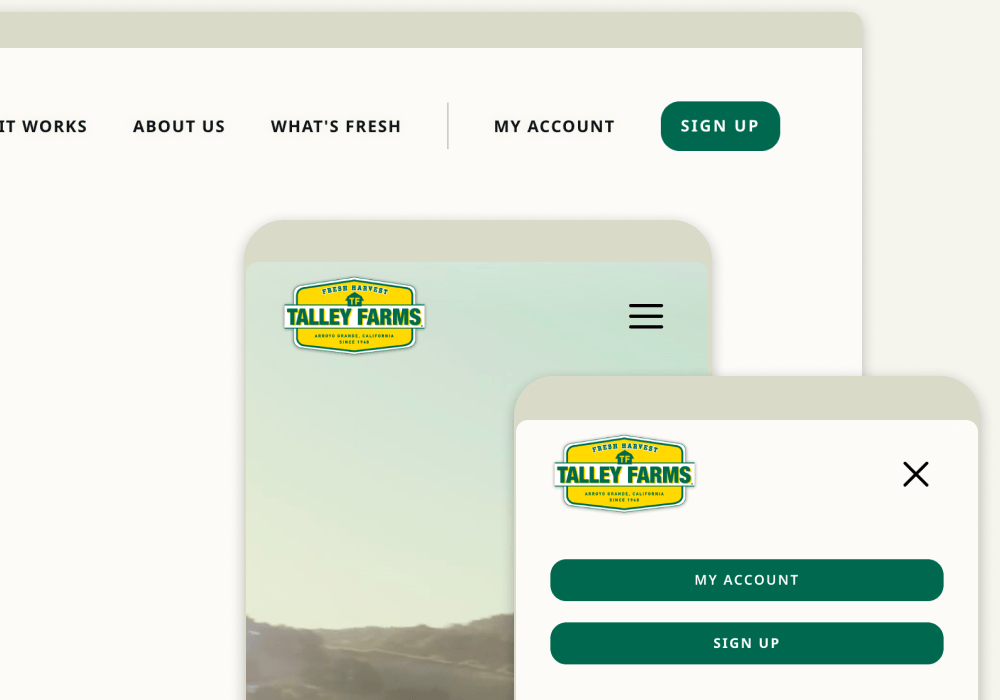
Look for the “My Account” link in the upper left corner or within the mobile menu.
-
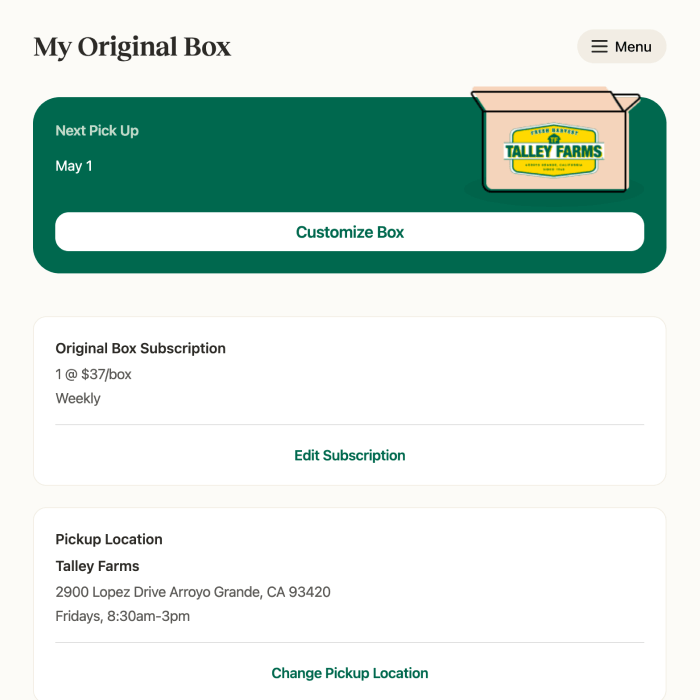
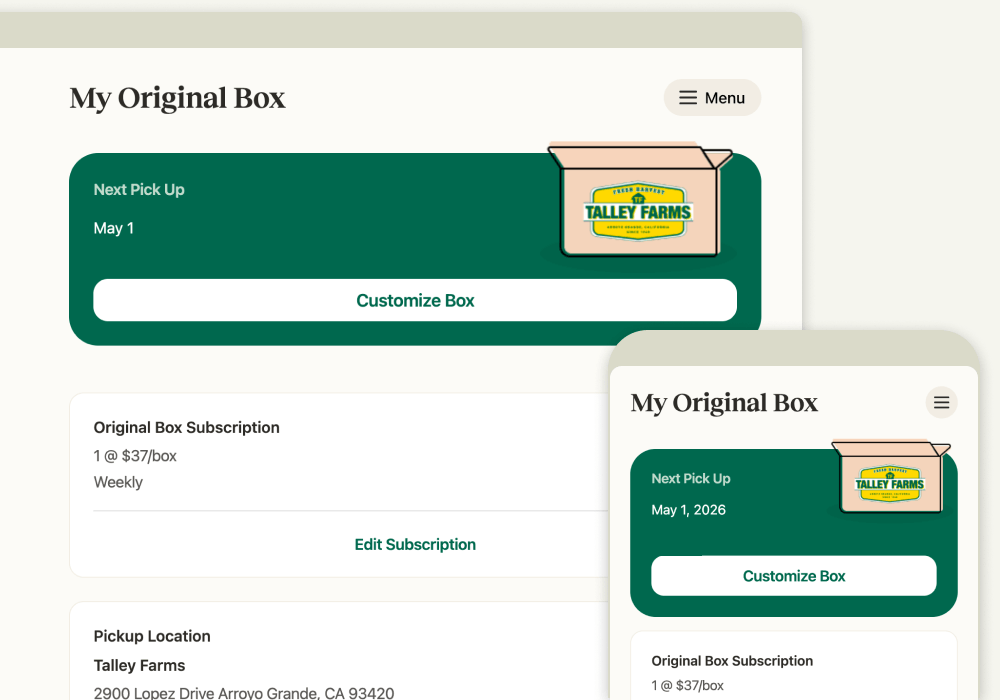
Click or tap on the “Customize Box” button.
The button will be available starting on the Saturday morning before your pickup or delivery. (Generally, you can customize up until midnight the night before your box is scheduled for pickup or delivery. For some pickup locations and delivery addresses, your box may be processed the day before.)
-
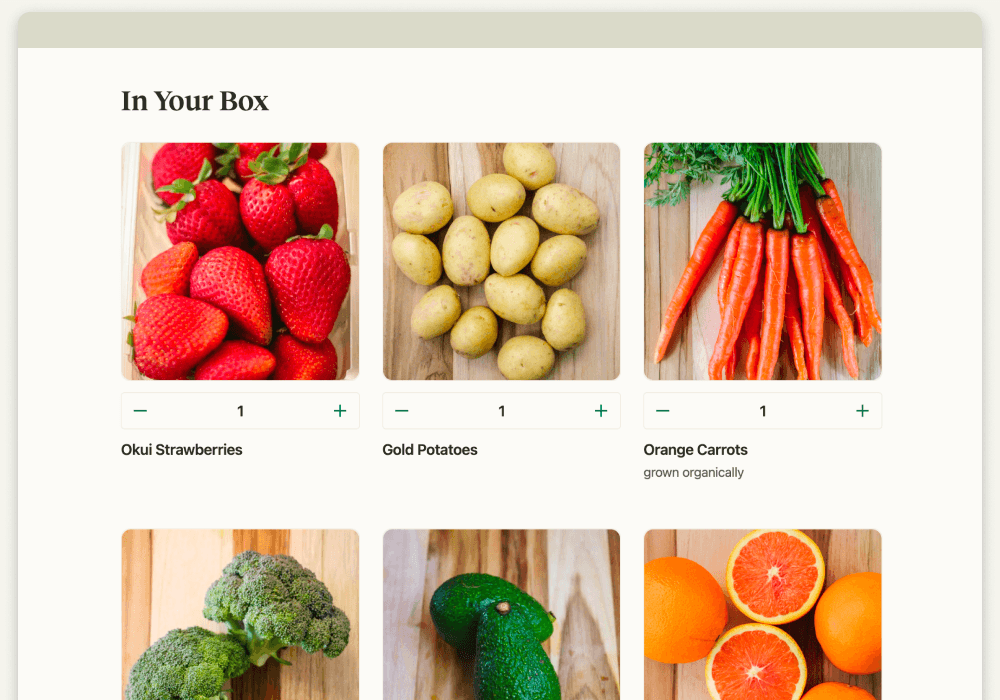
You can see what’s in your box that week, change the quantity, remove items, or add other available produce to your box.
-
Click or tap on “Next” to see optional add-ons.
-
Click or tap on “Save” to keep the changes to your box.