
-
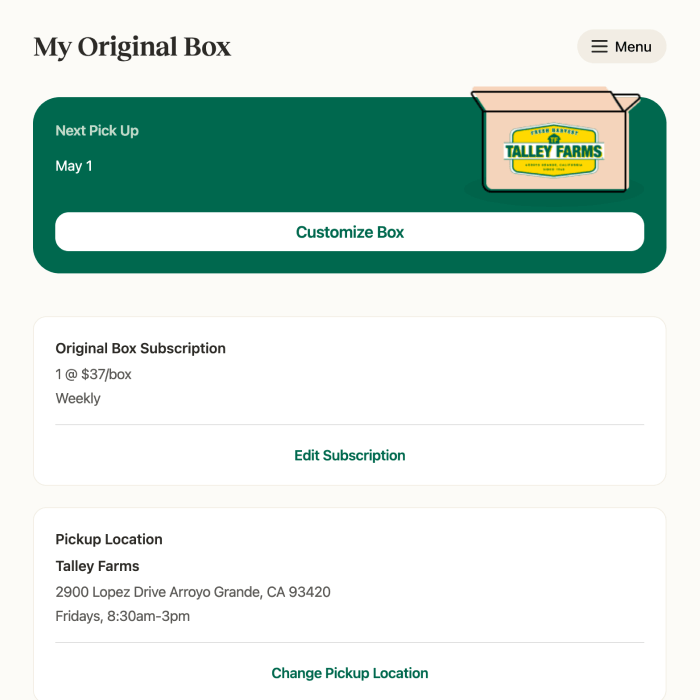
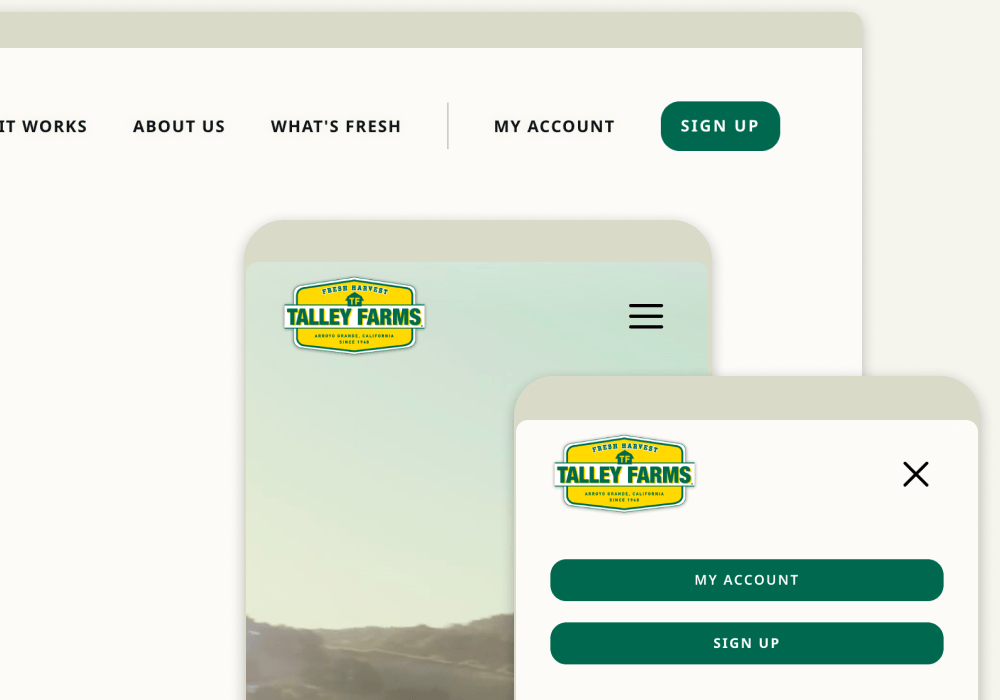
Login to your account.
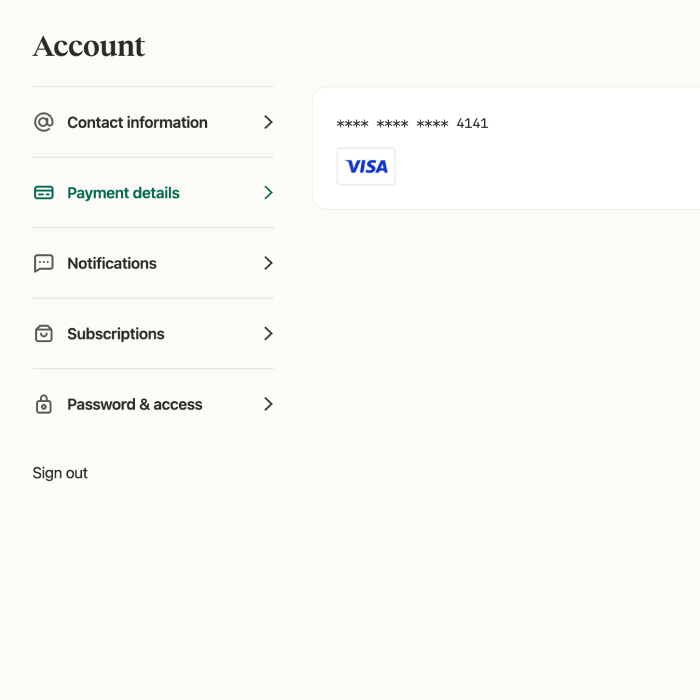
Look for the “My Account” link in the upper left corner or within the mobile menu.
-
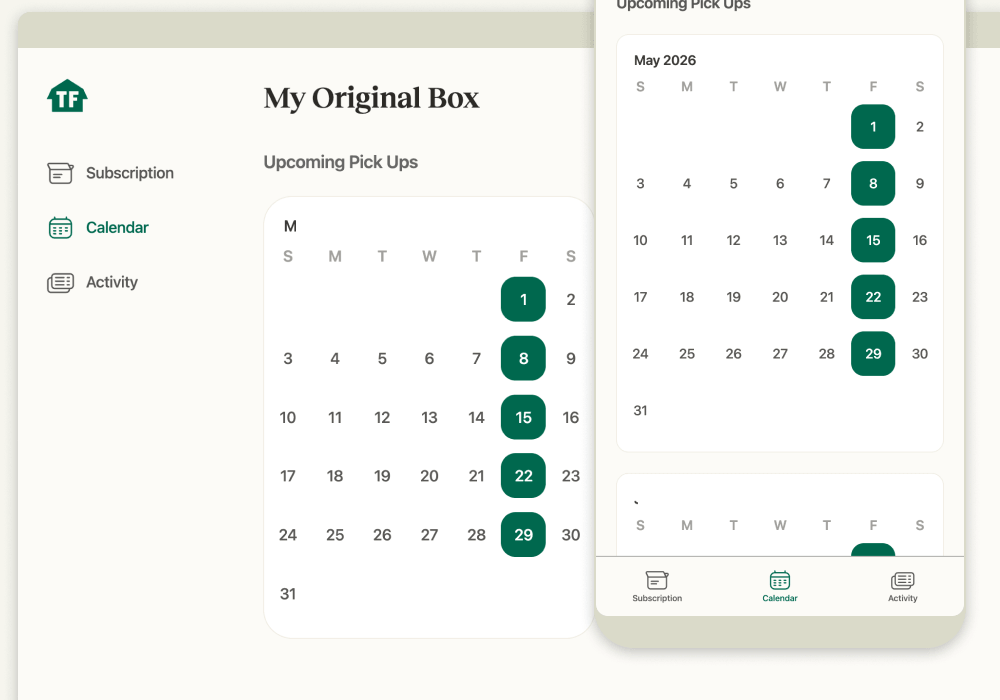
Click or tap on “Calendar”.
-
Click or tap on any upcoming pick up or delivery date, highlighted in green on the calendar.
-
A confirmation dialog with show, allowing you to confirm your selection. Click or tap on “Yes” to cancel the pick up or delivery for that date.
(You can restore a pick up or delivery the same way. Just click or tap on a date highlighted in red on the calendar for the option to restore the pick up or delivery.)